Connect to Polkadot
For more information about how to connect to Polkadot Hub, please check the Wallets for Polkadot Hub guide.
Account Mapping
If you are using a native Polkadot account (32-byte format) that was created with a Polkadot/Substrate keypair (Ed25519/Sr25519) rather than an Ethereum-compatible keypair (secp256k1), you'll need to map your account to enable Ethereum compatibility. See the Account Mapping section for more details.
Networks Details
Developers can leverage smart contracts across diverse networks, from TestNets to MainNet. This section outlines the network specifications and connection details for each environment.
WebSocket (WSS) endpoints
The WSS endpoints listed below are not behind an eth-rpc proxy. For Ethereum JSON-RPC compatibility, use the HTTP RPC URLs provided for each network instead.
Network name
Currency symbol
Chain ID
RPC URL
Block explorer URL
WSS URL
Network name
Currency symbol
Chain ID
RPC URL
Block explorer URL
WSS URL
Test Tokens
You will need testnet tokens to perform transactions and engage with smart contracts on any chain. Here's how to obtain Paseo (PAS) tokens for testing purposes:
-
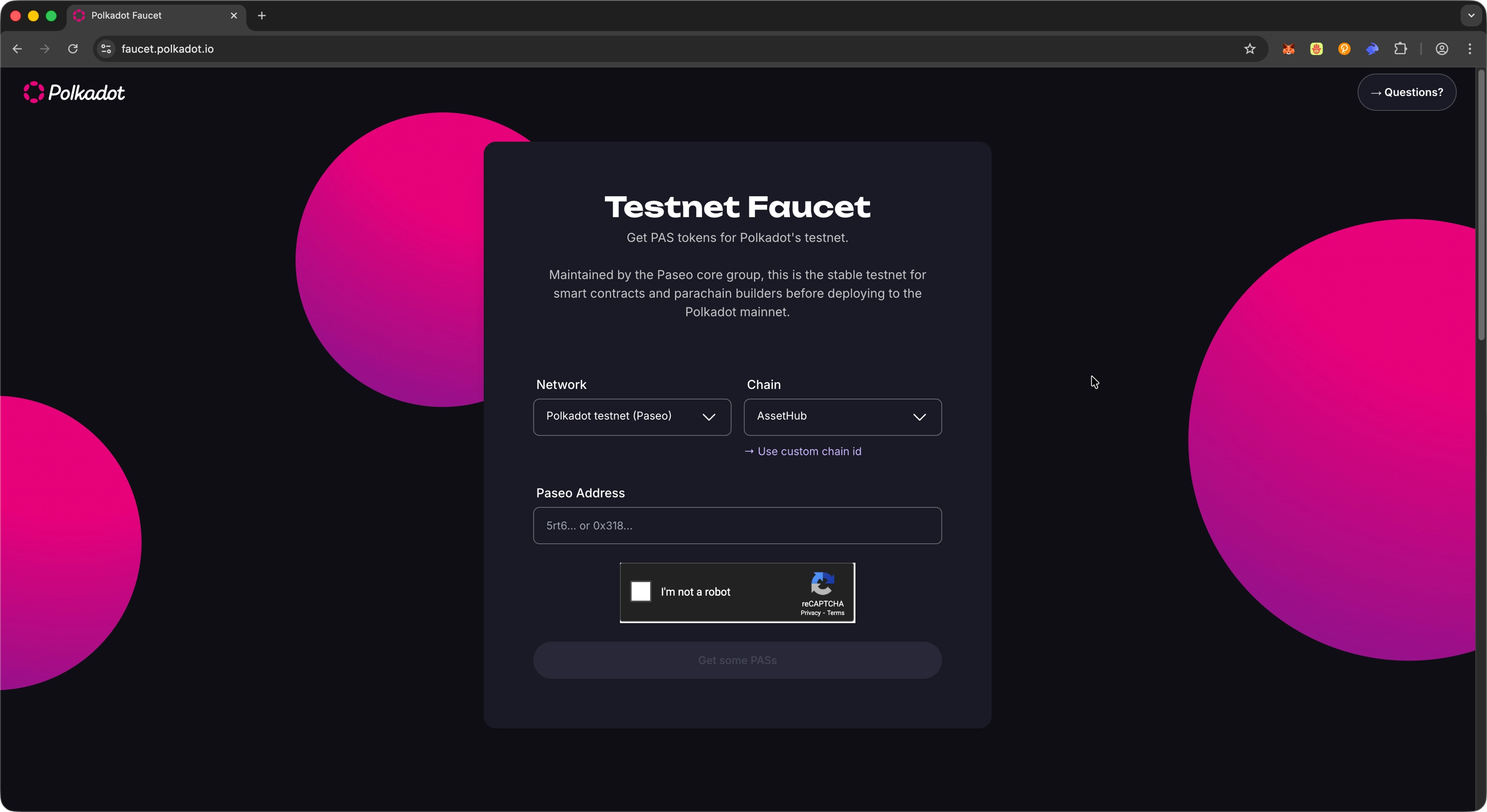
Navigate to the Polkadot Faucet. If the desired network is not already selected, choose it from the Network drop-down.
-
Copy your address linked to the TestNet and paste it into the designated field.
-
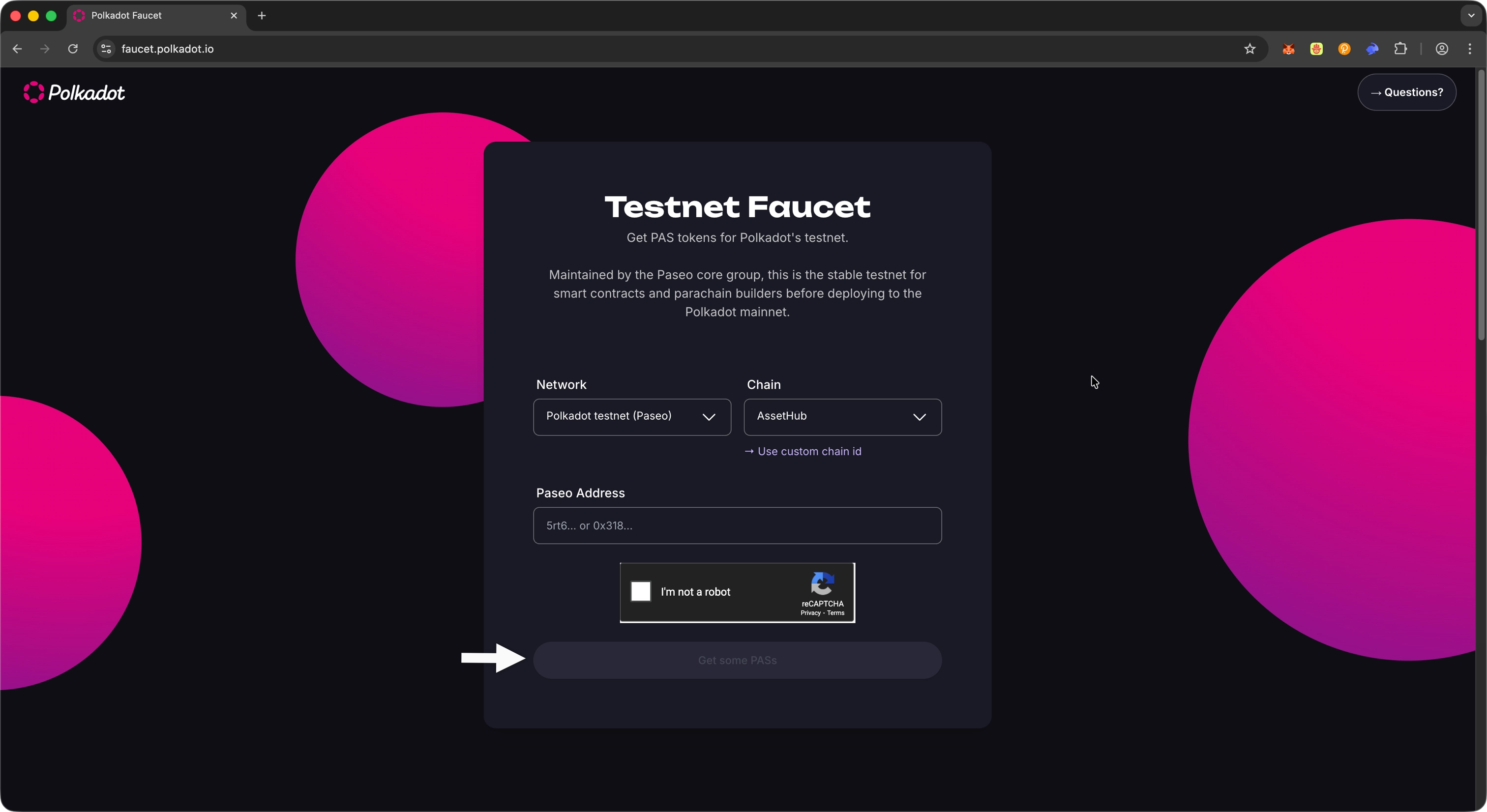
Click the Get Some PASs button to request free test PAS tokens. These tokens will be sent to your wallet shortly.
Now that you have obtained PAS tokens in your wallet, you’re ready to deploy and interact with smart contracts on Polkadot Hub TestNet! These tokens will allow you to pay for gas fees when executing transactions, deploying contracts, and testing your dApp functionality in a secure testnet environment.
Where to Go Next
For your next steps, explore the various smart contract guides demonstrating how to use and integrate different tools and development environments into your workflow.
-
Guide Get started with Remix
Learn how to get started with Remix, a browser-based IDE for writing, deploying, and interacting with smart contracts.
-
Guide Deploy a contract using Remix
Deploy your first contract on Polkadot Hub using the Remix IDE.
-
Guide Interact with the blockchain with viem
Use viem to deploy and interact with smart contracts on Polkadot Hub.
| Created: June 11, 2025